How to Complete Your Admin Login
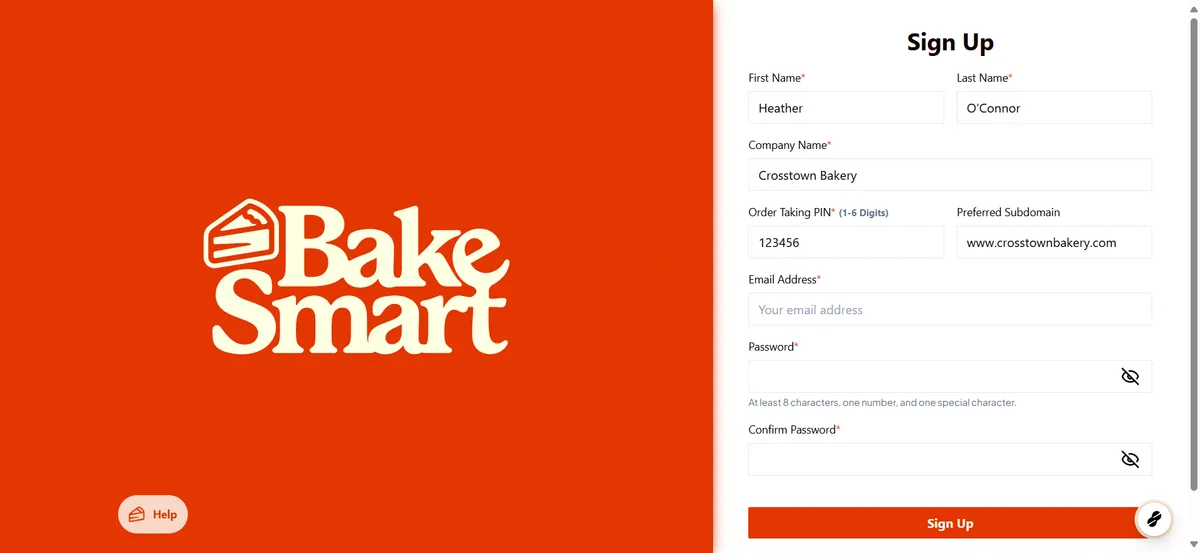
Required Fields and What They Mean
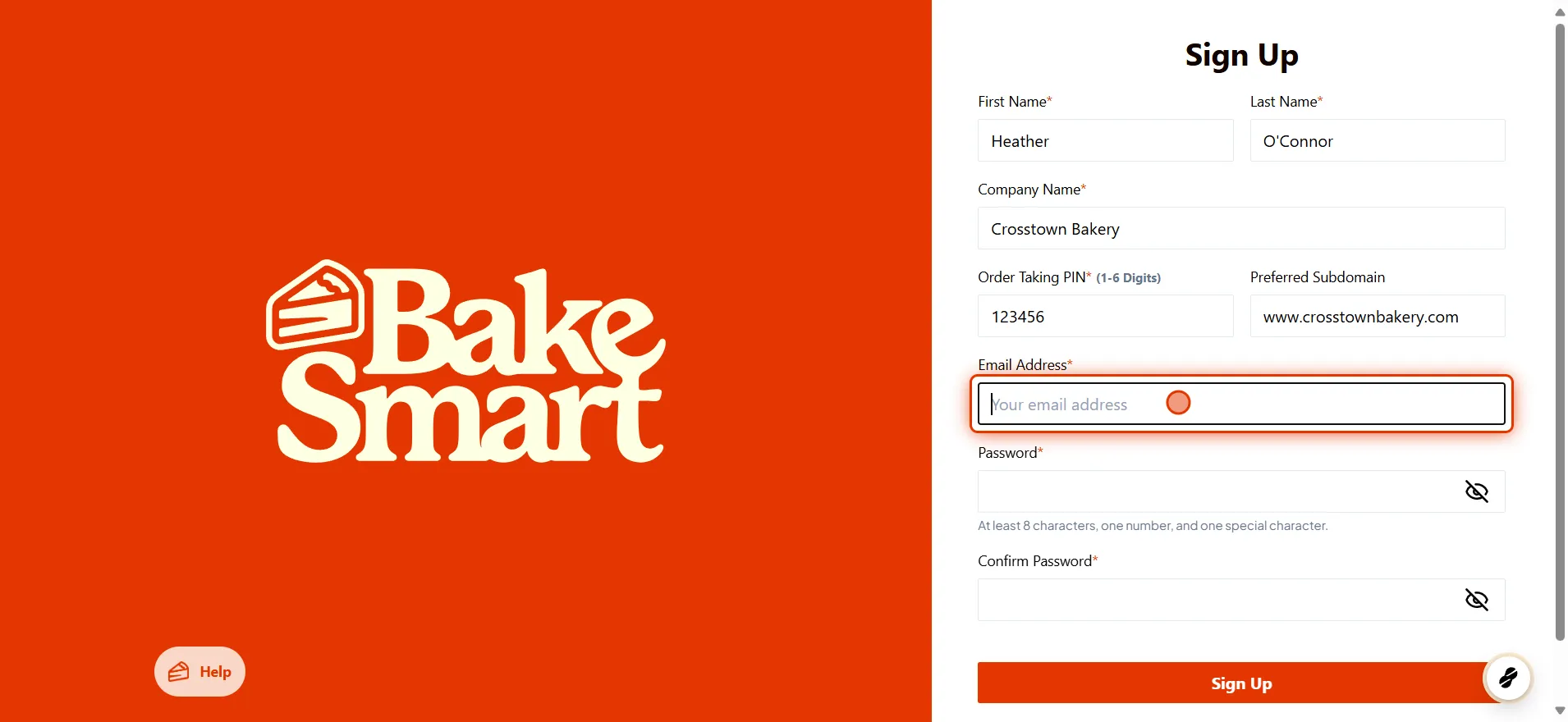
First and Last Name
Enter the name of the owner or designated Admin for your BakeSmart account. This is typically the person responsible for managing the system setup and bakery operations.
Company Name
Use the name of your parent company or main LLC, not necessarily the storefront name. This is especially important for multi-location bakeries where the main company oversees multiple branches.
Subdomain
Choose a custom web address that will serve as your eCommerce store URL.
We suggest using your existing website address as your subdomain. For example, if your bakery's website is www.crosstownbakery.com we suggest using crosstownbakery as your preferred subdomain.
This will also be the web address your customers see when placing online orders. The URL will look like this for your eCommerce store: https://crosstownbakery.bakesmart.com
Email Address
Enter the personal or business email of the account owner. This address will be used to:
Log in to BakeSmart's web app and Point of Sale
Receive important system messages and updates
💡 This email should be secure and not shared with other staff members.
PIN (1–6 digits)
Create a numeric PIN that will act as your personal login code at POS terminals. Each staff member will receive a unique PIN to log in and track activity.
Example: 042689
Password
Create a strong, secure password that meets the following criteria:
At least 8 characters
Includes a number
Includes a special character (e.g., !, @, #)
💡 Avoid using passwords from other accounts to keep your BakeSmart system secure.
Security Reminders
Do not share your Admin login with others.
Only the Admin account has full access to sensitive settings and reports.
Each team member will receive their own login with role-based permissions assigned during setup.
Watch a Walkthrough Video
Want to see this process in action? We’ve prepared a short video that walks you through each step of completing your Admin login setup.
dubble-prod-01.s3.amazonaws.com/assets/ff65cf60-565c-49ce-8eb9-42ed1222ebbb.mp4

Admin Credentials Log In
Created on 5/8/2025 by Heather O
In this video we will guide you through the Admin Log in Credentials for your BakeSmart plaform. If you have additional questions, feel free to reach out to BakeSmart at any time!
Welcome to BakeSmart
For this video we will be guiding you through the set up of your admin log in credentials for your BakeSmart Online platform
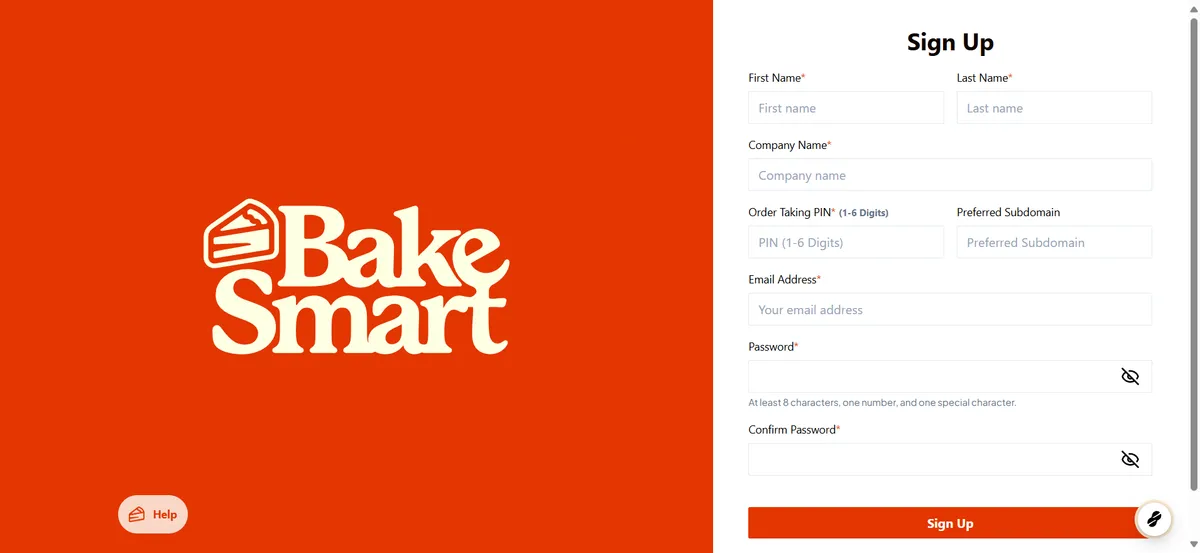
Complete the boxes in order.
Start with the name of the owner or designated admin that will be completingthe onboarding of your BakeSmart plaform. Then enter the Company Name that you will be using to designate your company. If you have a multi store operations, use the parent company or LLC as an account signifier.

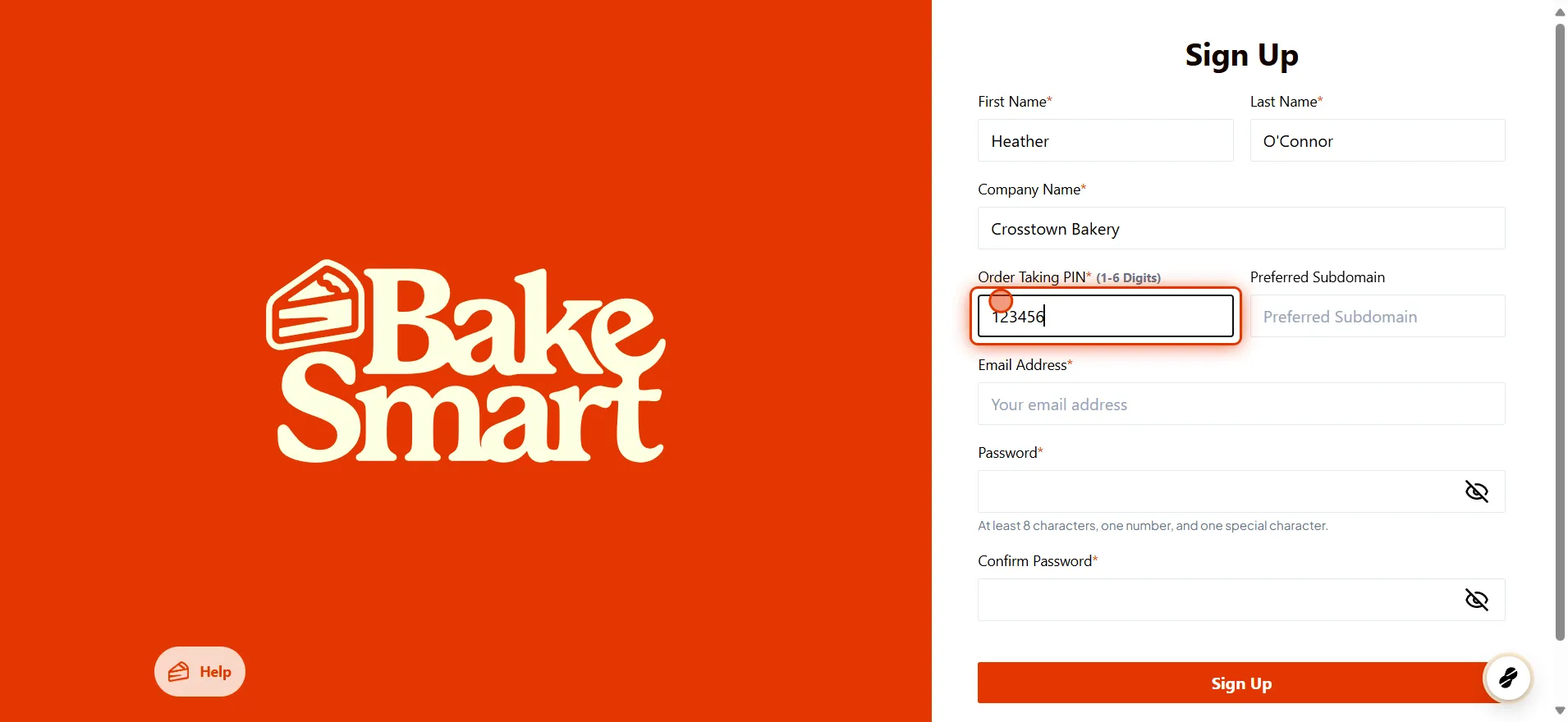
Order Taking Pin
Select a 1 to 6 digit order taking pin that will be used to identify the person placing orders in your bakesmart platform. This number should be unique to each person who has order taking privileges.
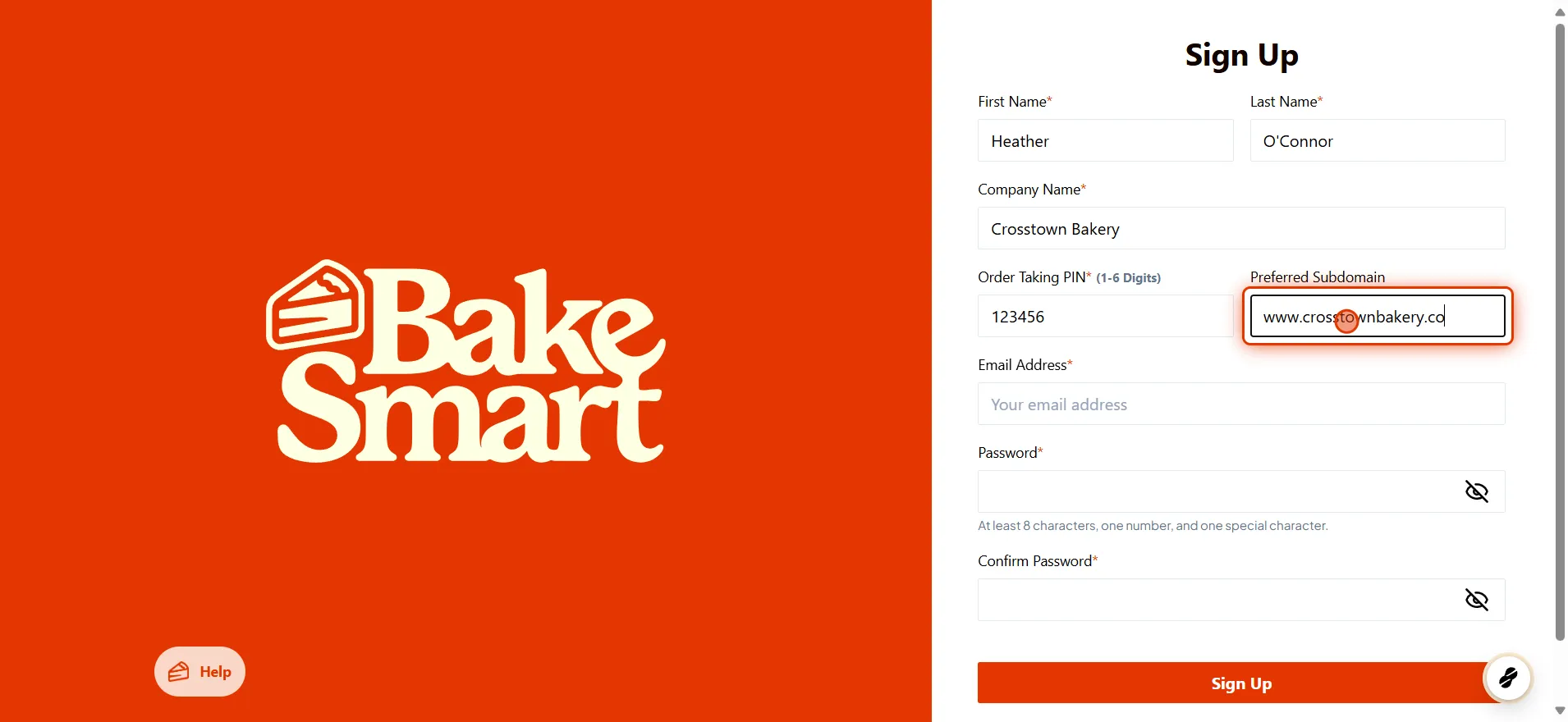
Preferred Subdomanin
This is the web address that you have set up for your bakery. This will be used in conjunction with BakeSmart to host the BakeSmart online platform as well as eCommerce.
Enter ADMIN Email Address
The Admin email address should be singular to the person responsible for setting up BakeSmart.
Enter Password
Enter an 8 digit in length password that contains 1 number and 1 special symbol. Confirm the password and Sign Up. This will launch your BakeSmart platform.